
💻 Welcome to the Web-Based Learning Tool!
Welcome to our Web-Based Learning Tool for Computer Assembly, an interactive and educational platform designed specifically for Grade 9 Computer System Servicing (CSS) students. This tool provides lesson content and virtual environment where learners can explore, assemble, and understand the internal components of a computer — anytime, anywhere.
Our goal is to enhance your technical competence in assembling computers through engaging simulations, step-by-step tutorials, and self-paced assessments. Whether you’re a beginner or just need extra practice, this platform offers a safe, accessible, and cost-effective way to develop your skills in real-world computer hardware tasks.
🔧 What You Can Do Here:
- Assemble computer using PC Building Simulator
- Learn the function of each component
- Take interactive quizzes to test your knowledge
- Practice without the need for physical hardware
This Web-Based Learning Tool is aligned with the TLE ICT – Computer System Servicing curriculum and is designed to support both students and teachers in computer assembly.
LIST OF CONTENT
PC Building Simulator
This Computer Assembly Simulator is an interactive, web-based educational software designed to enhance students’ understanding of computer hardware and system assembly. It provides a virtual environment where learners can assemble and disassemble computer components with realistic visual feedback and guided instruction. The tool supports the development of technical skills without the need for physical computer parts, making it ideal for schools with limited access to hardware resources.
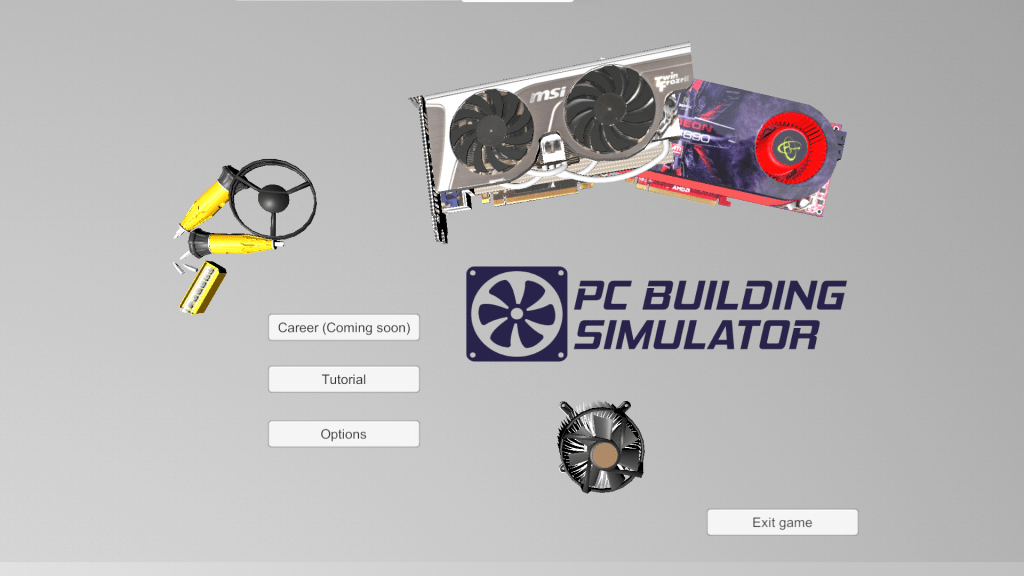
📘 About This Learning Tool
This Web-Based Learning Tool to Enhance the Computer Assembly Competence of Grade 9 Students is an innovative educational platform developed to support students in mastering the fundamental skills of computer hardware assembly. Aligned with the Technology and Livelihood Education (TLE) – ICT Computer System Servicing (CSS) curriculum, this tool is specially designed to provide an interactive, accessible, and engaging learning experience.
Through step-by-step tutorials, realistic simulations, and knowledge-based assessments, students can virtually assemble computer parts, identify key components, and understand the function and connection of each hardware element — all without needing physical equipment.
 Web-based Learning Tool for Computer system servicing Students